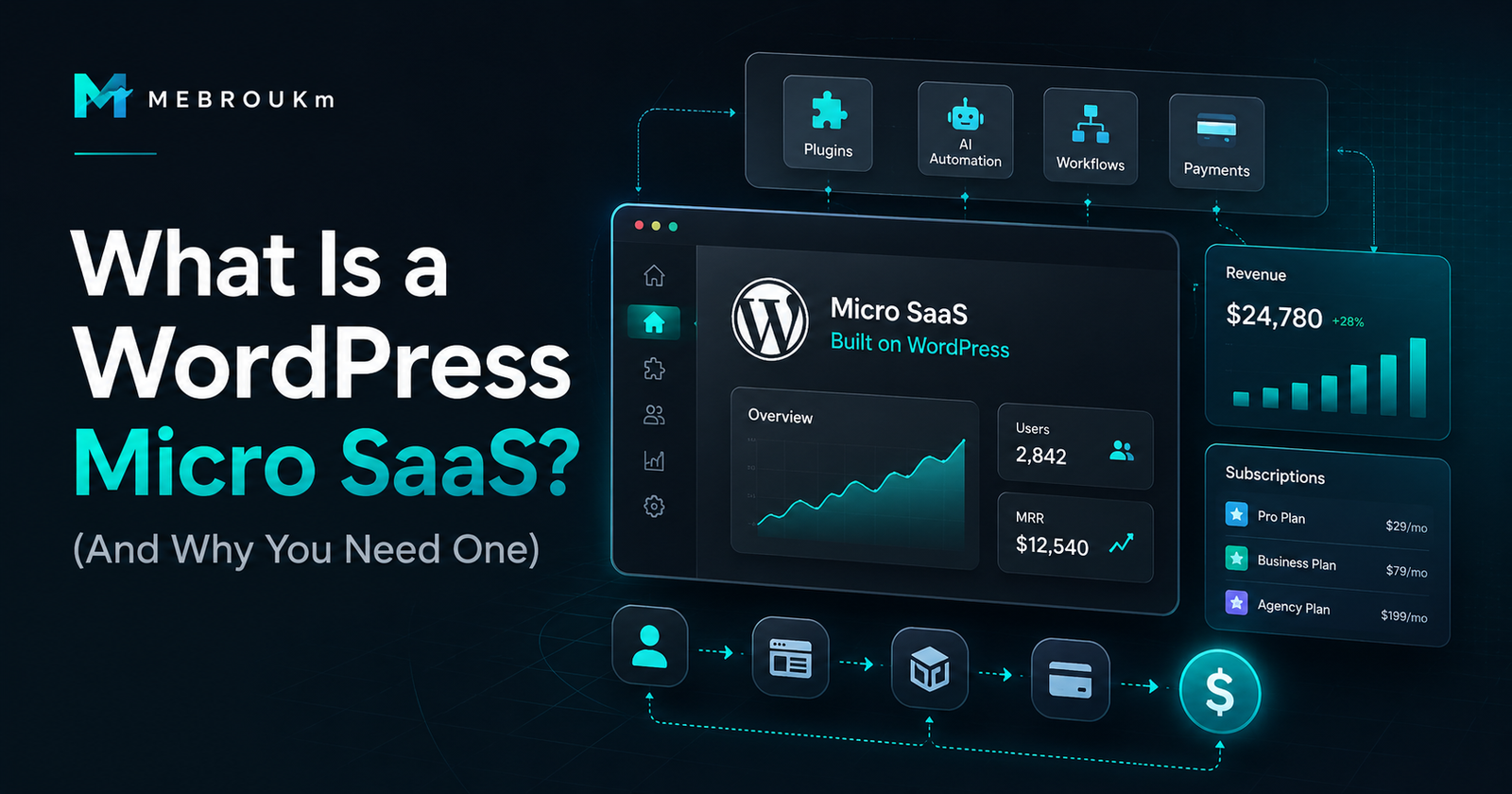
What Is a WordPress Micro SaaS? (And Why You Need One)
Your Website Is Not a Website
It’s a brochure with a contact form.
That’s the problem.
You paid for design. You picked a theme. You wrote some copy. Maybe you even added a blog.
But your WordPress site does not capture leads intelligently. It does not qualify prospects. It does not store data. It does not automate workflows. It does not run your business.
It just sits there.
A WordPress micro SaaS fixes that.
The Real Problem
People think “SaaS” means a custom-built app.
They picture a team of developers. Months of coding. Thousands of dollars. A product on Product Hunt.
That’s not what a micro SaaS is.
A micro SaaS is a small, focused software tool that solves one specific problem for a specific audience. It’s lean. It’s profitable. It’s often run by one person.
Now add WordPress to that.
A WordPress micro SaaS is a revenue-generating system built on top of WordPress. It uses custom post types, forms, dashboards, workflows, and automation to solve a business problem—without building a separate app.
Your website becomes the software.
The Better Way to Think About It
Stop thinking of WordPress as a blog platform.
Start thinking of it as an operating system.
WordPress has:
- A database
- User roles
- Form builders
- Custom fields
- API endpoints
- Plugin architecture
- A front-end you control
That is everything you need to build a micro SaaS.
The only thing missing is structure—the logic, workflows, and systems that turn those pieces into a revenue machine.
That’s what RevenueOS is.
What This Looks Like in Practice
Here are real examples of WordPress micro SaaS systems:
Lead Capture + Qualification System
A form that doesn’t just send an email. It scores leads, tags them, stores them in a custom CRM, triggers follow-up sequences, and shows you a dashboard of hot prospects.
Client Portal
A password-protected area where clients log in, view project status, upload files, approve deliverables, and pay invoices. Built with custom post types and front-end dashboards.
Quote Request System
A multi-step form that collects project details, calculates estimated pricing, stores the request, notifies your team, and adds the lead to a pipeline.
Booking Flow with Logic
Not a basic calendar embed. A system that asks questions, routes to the right service, checks availability, collects payment, and sends confirmation + reminder sequences.
Internal Admin Dashboard
A custom back-end or front-end panel that replaces your spreadsheets. Track jobs, inventory, projects, or team tasks—all inside WordPress.
Niche Directory or Marketplace
A searchable, filterable directory where users submit listings, pay for featured placement, and manage their profiles. Think “Yelp for X” built on WordPress.
Membership or Course Platform
A gated content system with payment tiers, progress tracking, and community features. A “Kajabi for your niche” without the $149/month fee.
These are not plugins you buy off the shelf and hope work.
These are systems—structured, connected, built for your specific business logic.
How to Build or Think About the System
You don’t need to code an app.
You need to think in systems:
- Define the job. What specific problem does this solve? One problem. Not ten.
- Map the data. What information needs to be collected, stored, and displayed?
- Build the workflow. What happens after someone submits a form? Where does the data go? Who gets notified? What changes?
- Create the dashboard. Where do you see everything? What actions can you take?
- Connect the automation. What happens without you touching it?
WordPress handles the infrastructure.
You handle the logic.
Or you hire someone who does both.
You Might Be Wondering…
“Isn’t this too complex?”
No more complex than managing five different SaaS tools that don’t talk to each other. A WordPress micro SaaS is one system. One login. One database. One monthly hosting bill.
“Why not just use SaaS tools?”
Because you’re renting someone else’s logic. They set the rules. They raise the prices. They sunset features. A WordPress micro SaaS is yours. You own the data. You control the workflow. You keep the margin.
“Can WordPress really handle this?”
WordPress powers 43% of the web. It has a database, user system, API, and plugin ecosystem that rivals most app frameworks. The question isn’t whether WordPress can handle it. The question is whether your setup is structured like a system or a blog.
“Do I need custom code?”
Sometimes. Often not. Modern WordPress tools—custom post type plugins, form builders with logic, dynamic content plugins, and automation tools—can build surprisingly complex systems without writing PHP. When you do need code, it’s usually small, scoped, and fast.
“Is this expensive?”
Compared to what? A $300/month SaaS stack? A $15,000 custom app? A WordPress micro SaaS is built on infrastructure you already have. The investment is in structure and logic—not servers, frameworks, and dev teams.
What This Changes for Your Business
A WordPress micro SaaS turns your website from a cost center into a revenue system.
So you can:
- Capture and qualify leads while you sleep
- Onboard clients without manual back-and-forth
- Track projects without spreadsheets
- Automate follow-ups without paying for another CRM
- Build an MVP for a niche SaaS idea without hiring developers
- Replace three SaaS subscriptions with one system you control
This is not about WordPress.
This is about revenue infrastructure.
If your WordPress site is still just a brochure, that is the problem.
RevenueOS is how I turn it into a system.
Or if you want something built specifically for your business—your workflow, your logic, your revenue model—hire me to build your WordPress micro SaaS.
FAQ
What is the difference between a WordPress plugin and a WordPress micro SaaS?
A plugin adds a feature. A micro SaaS is a system. It’s the combination of plugins, custom post types, forms, workflows, dashboards, and automation that solves a complete business problem.
Can I sell access to a WordPress micro SaaS?
Yes. You can gate the system behind subscriptions, sell user seats, or offer it as a service. This is often called WaaS (Website as a Service) and is a proven model for niche industries.
Do I need to be a developer to build a WordPress micro SaaS?
No. With the right tools and structure, you can build simple systems yourself. For complex logic, custom dashboards, or automation, you partner with a builder who knows WordPress as a platform—not just a CMS.
How long does it take to build a WordPress micro SaaS?
A focused MVP can be built in days or weeks, not months. The key is starting with one specific problem and one clear workflow.
What kind of businesses need a WordPress micro SaaS?
Any business that runs on WordPress and needs more than pages. Solopreneurs, agencies, consultants, local services, creators with offers, and anyone tired of duct-taping SaaS tools together.